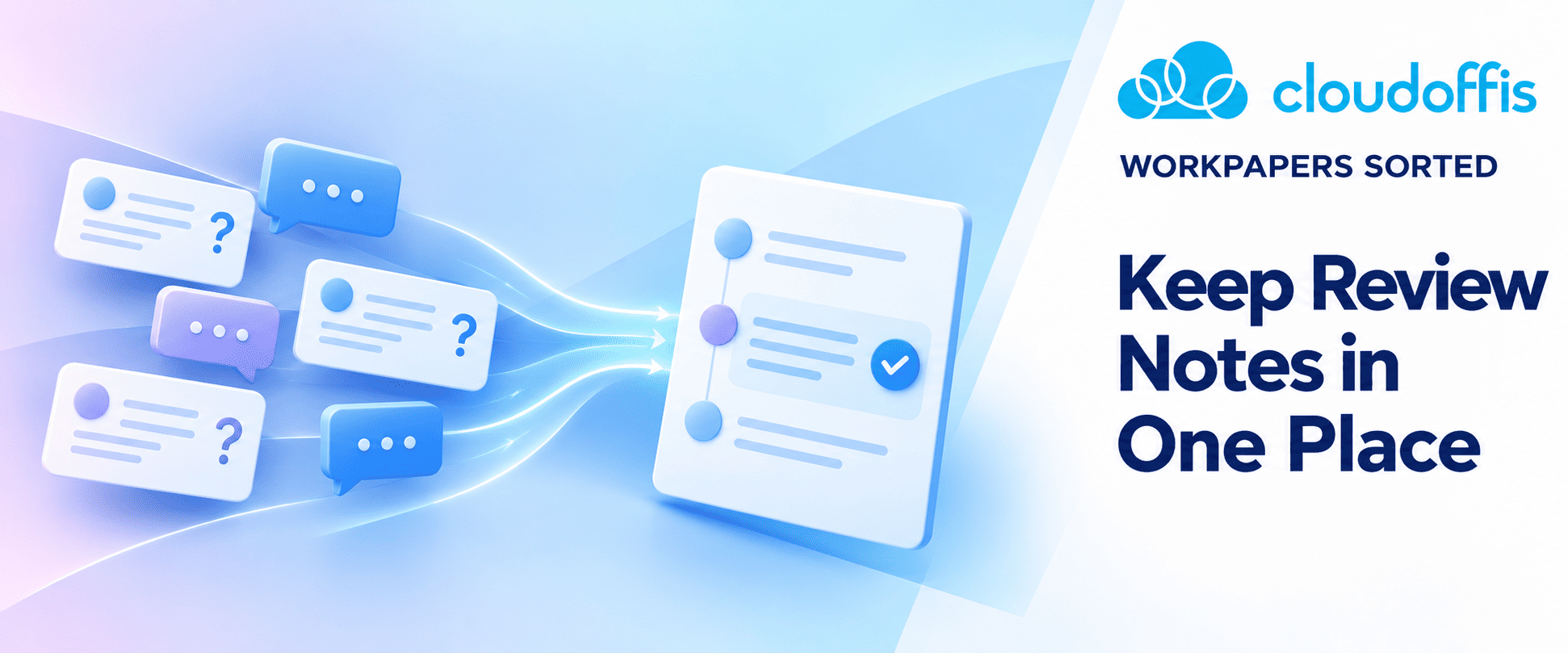
Email and chat are useful when a reviewer needs a quick answer from the person preparing a workpaper. But if the discussion ends there, the review note can still look unanswered to anyone who opens the file later.
For example, a reviewer might ask why a balance differs from the supporting statement. The preparer explains the difference in a chat message, and they agree that no adjustment is needed. Unless that decision is added to the workpaper, another colleague may need to track down the messages or ask the same question again.
A useful review note points to the balance, calculation or conclusion that needs attention. Instead of a general ‘please check’, say what does not reconcile or which explanation is missing. That gives the preparer a clear task and helps the reviewer check the response.
If the discussion happens by phone, email or chat, add the outcome to the workpaper. A short explanation of the evidence checked and the decision reached is usually more useful than copying the whole conversation. If a figure changes, update the workpaper as well, a message saying ‘fixed’ doesn’t show what was done.
CPA Australia’s practice-management guide notes that reverting to email for document queries can create multiple copies and make it difficult to see a query’s status. Keeping the response with the work helps you avoid that confusion during review.
Give each note to the person who needs to act on it. The preparer can answer the question and make any necessary change, but the reviewer should check the response before closing it. If the answer depends on professional judgement rather than an amended figure, record the reasoning so that the decision is understandable later.
Not every closed note needs to follow the job into next year. A request for a missing statement can be closed once the statement is on file. An explanation of an unusual transaction or a recurring treatment may be worth carrying forward, so next year’s preparer has the context without repeating the question. If the same question keeps coming up across different jobs, it is worth looking at what is slowing down workpaper reviews and fixing the process behind it.
In Workpapers Sorted, Review Notes can be added to financial reports, journals and workpapers. You can notify the relevant team member, reply in a timestamped thread and track whether a note is Open or Closed. You can also choose to roll a relevant note forward. Those features help keep the question and its resolution together, provided the team records a meaningful answer rather than just changing the status.
If review questions are currently split between workpapers, inboxes and chat, see how our workpaper management software handles review notes. You can also speak with our team about how to keep the review record clear without adding another round of admin.